Connect to VPN Server on Google Cloud
Access the web admin
Section titled “Access the web admin”You can access the admin panel with its public IP address. The default username is elm and the password is the instance ID.
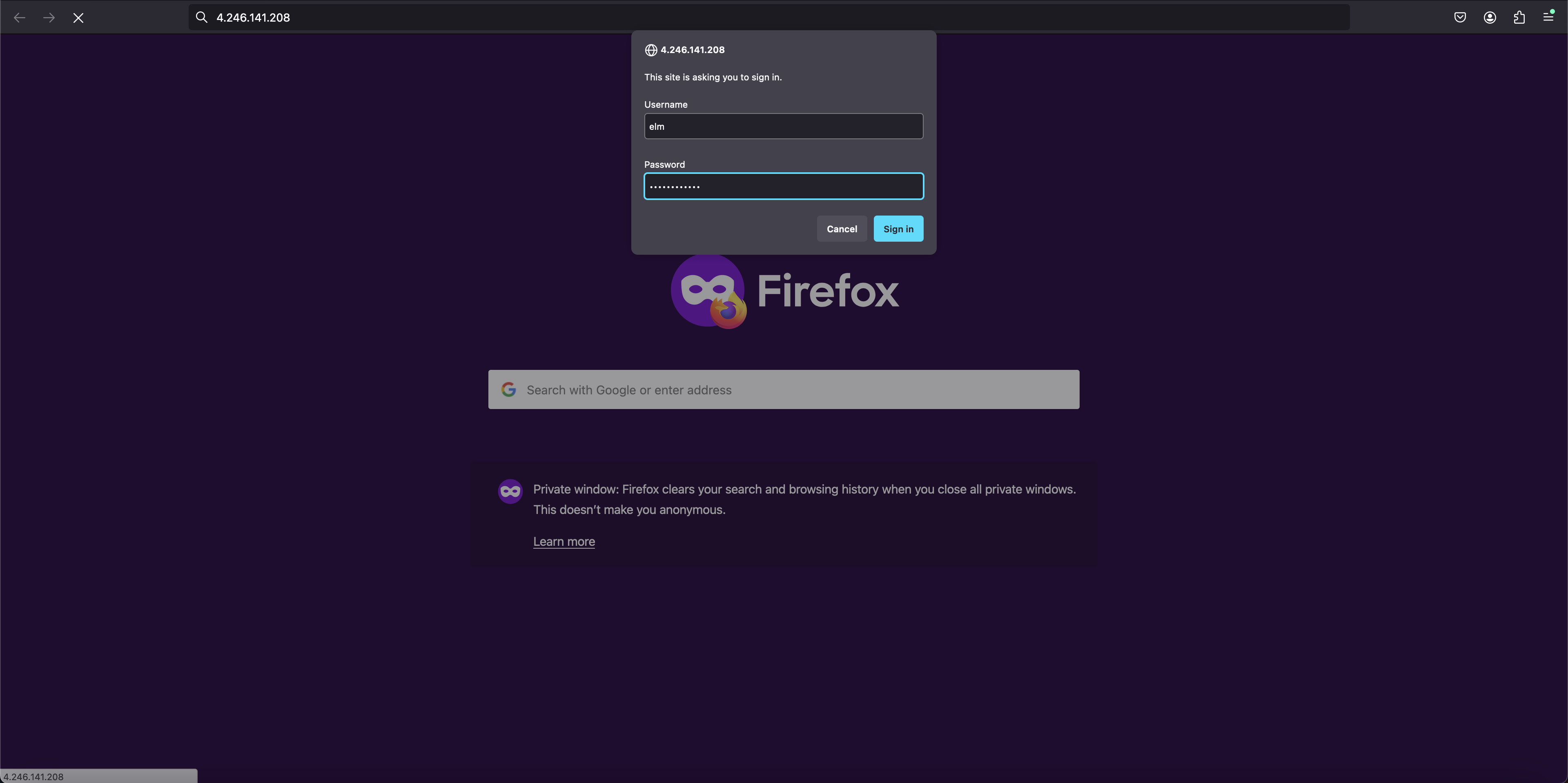
Enter the web admin to download the certificate
Section titled “Enter the web admin to download the certificate”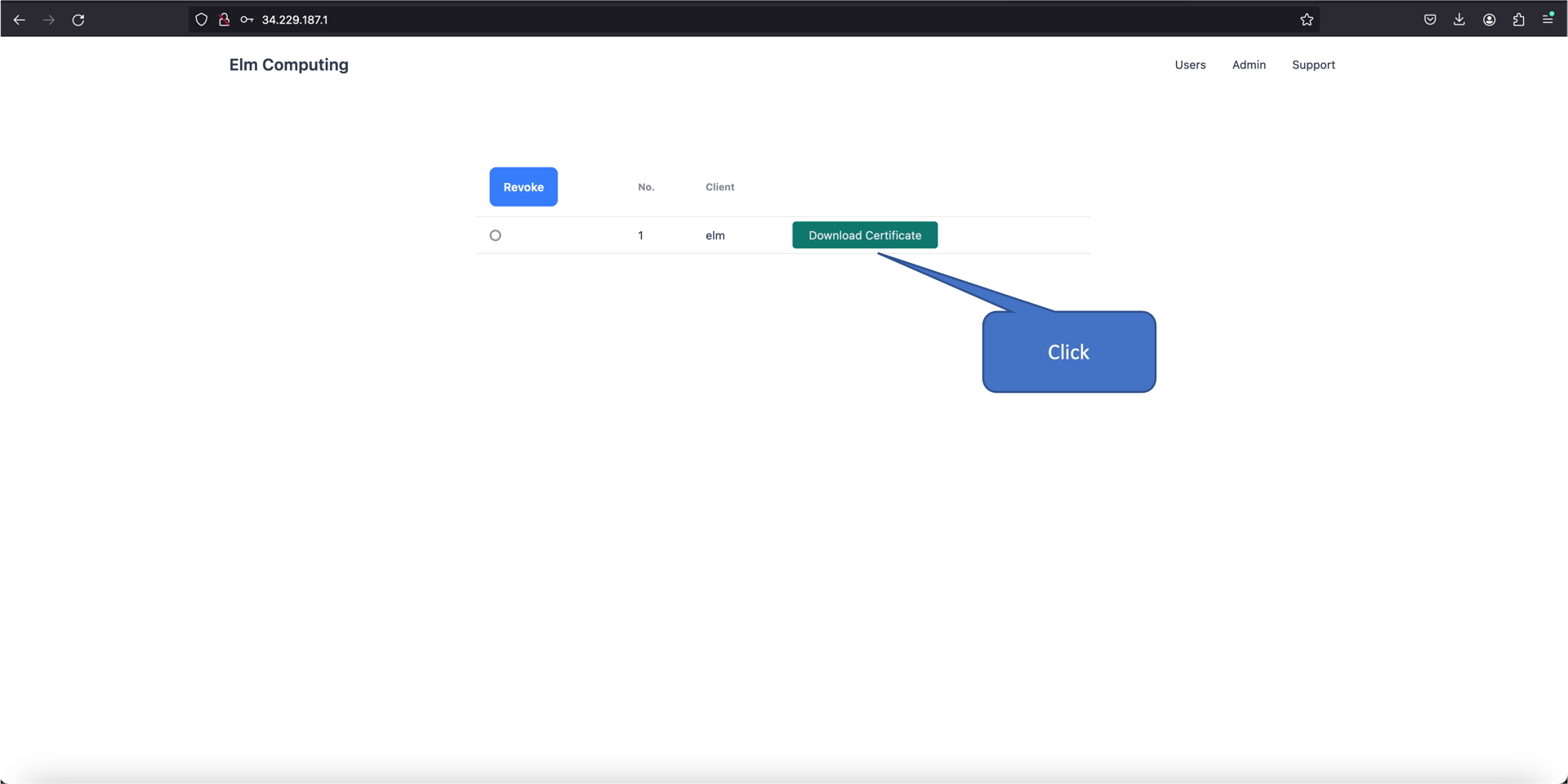
Download and install OpenVPN Client from https://openvpn.net/client/
Section titled “Download and install OpenVPN Client from https://openvpn.net/client/”Import the downloaded certificate
Section titled “Import the downloaded certificate”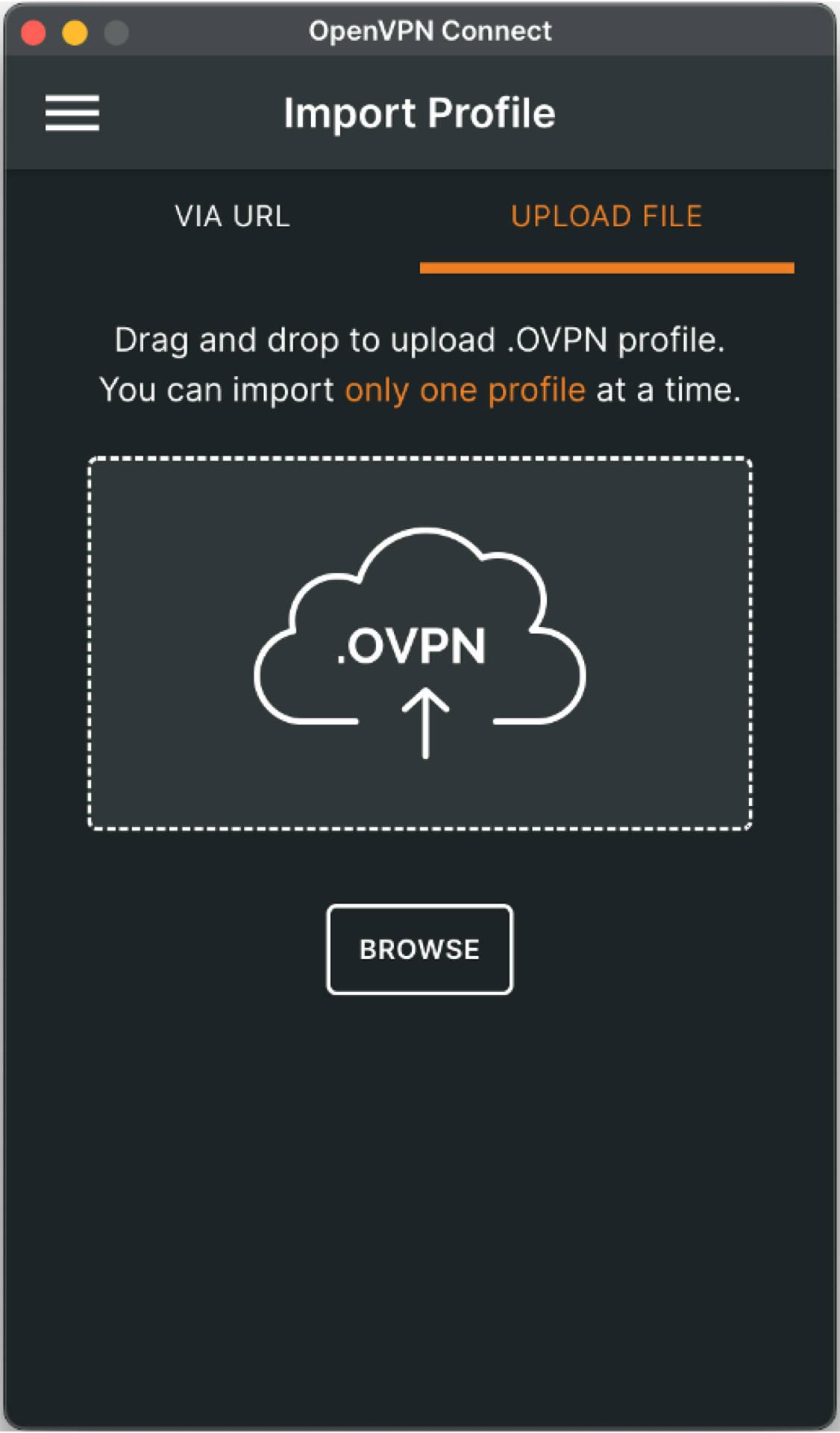
Connect to the VPN server
Section titled “Connect to the VPN server”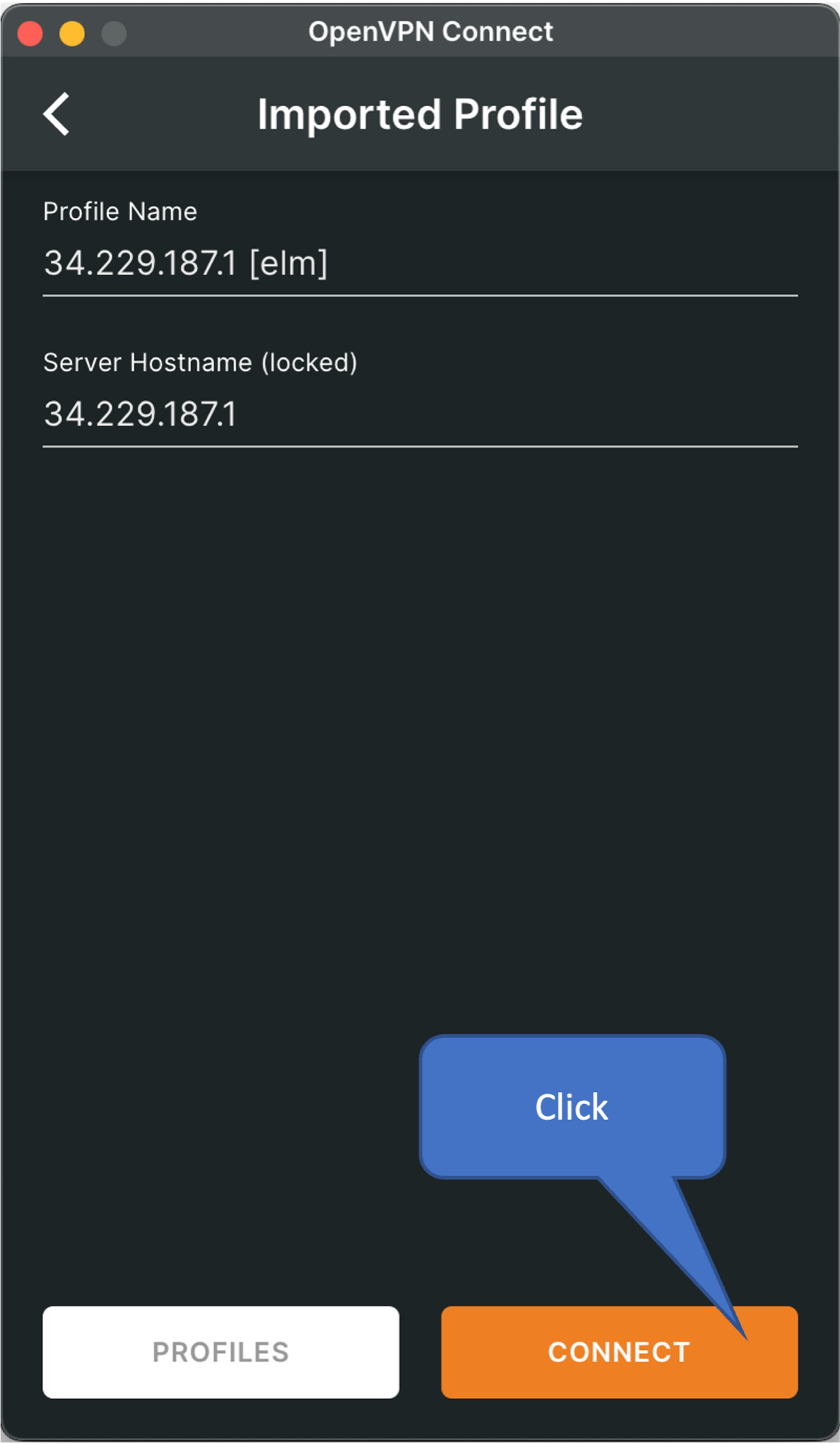
Connection status
Section titled “Connection status”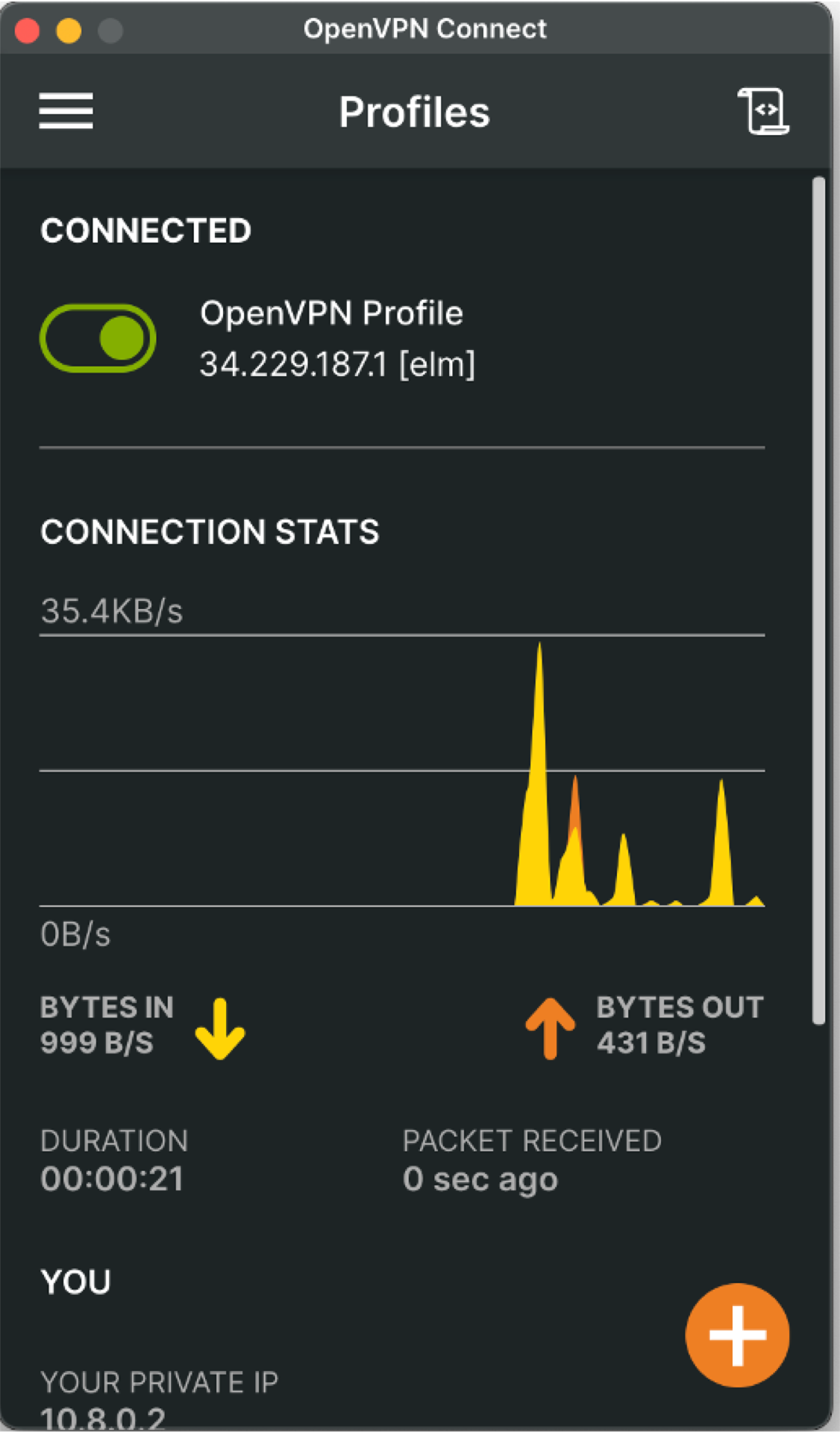
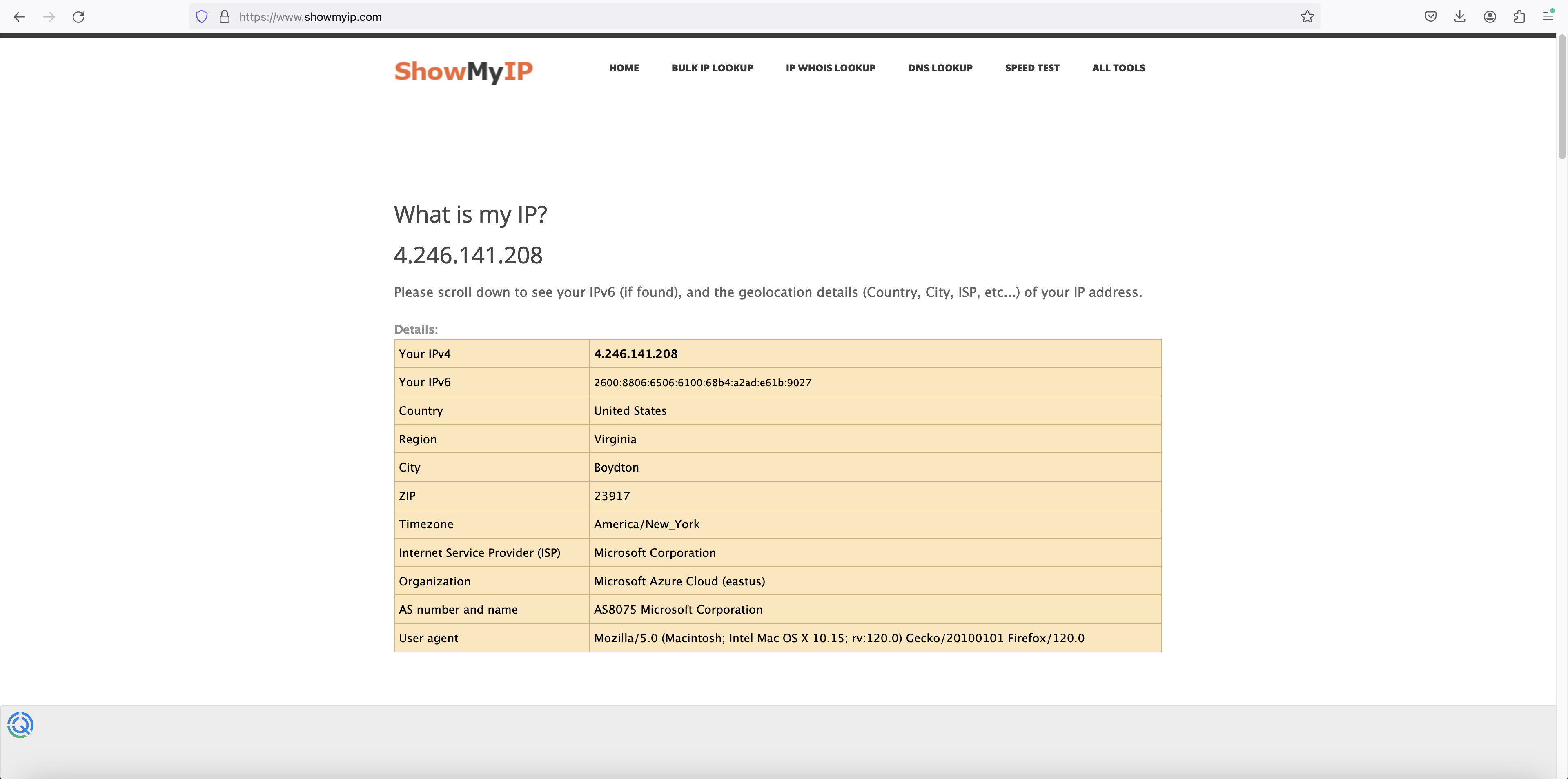
Check the VPN status by accessing https://www.showmyip.com/
Section titled “Check the VPN status by accessing https://www.showmyip.com/”