Connect to Linux SFTP Server on AWS
Steps to connect to the Linux SFTP Server
Section titled “Steps to connect to the Linux SFTP Server”Install FileZilla
Section titled “Install FileZilla”FileZilla can be downloaded here
Connect to the SFTP Server
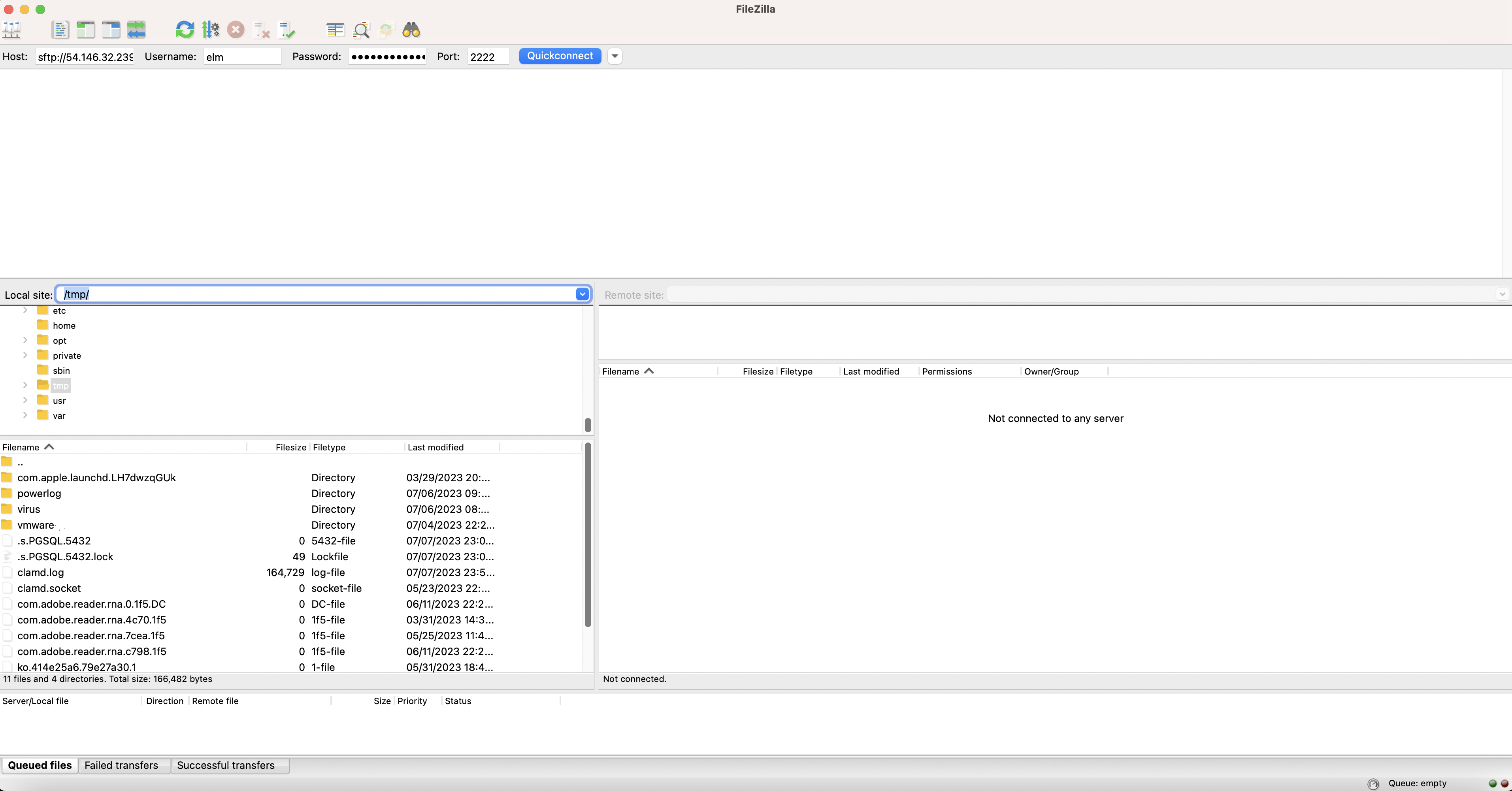
Section titled “Connect to the SFTP Server”- Host: sftp://public_address (like sftp://54.146.32.239)
- Username: elm
- Password: the EC2 instance ID that has the form of i-0c7fadc4dc193eca7
- Port: 2222
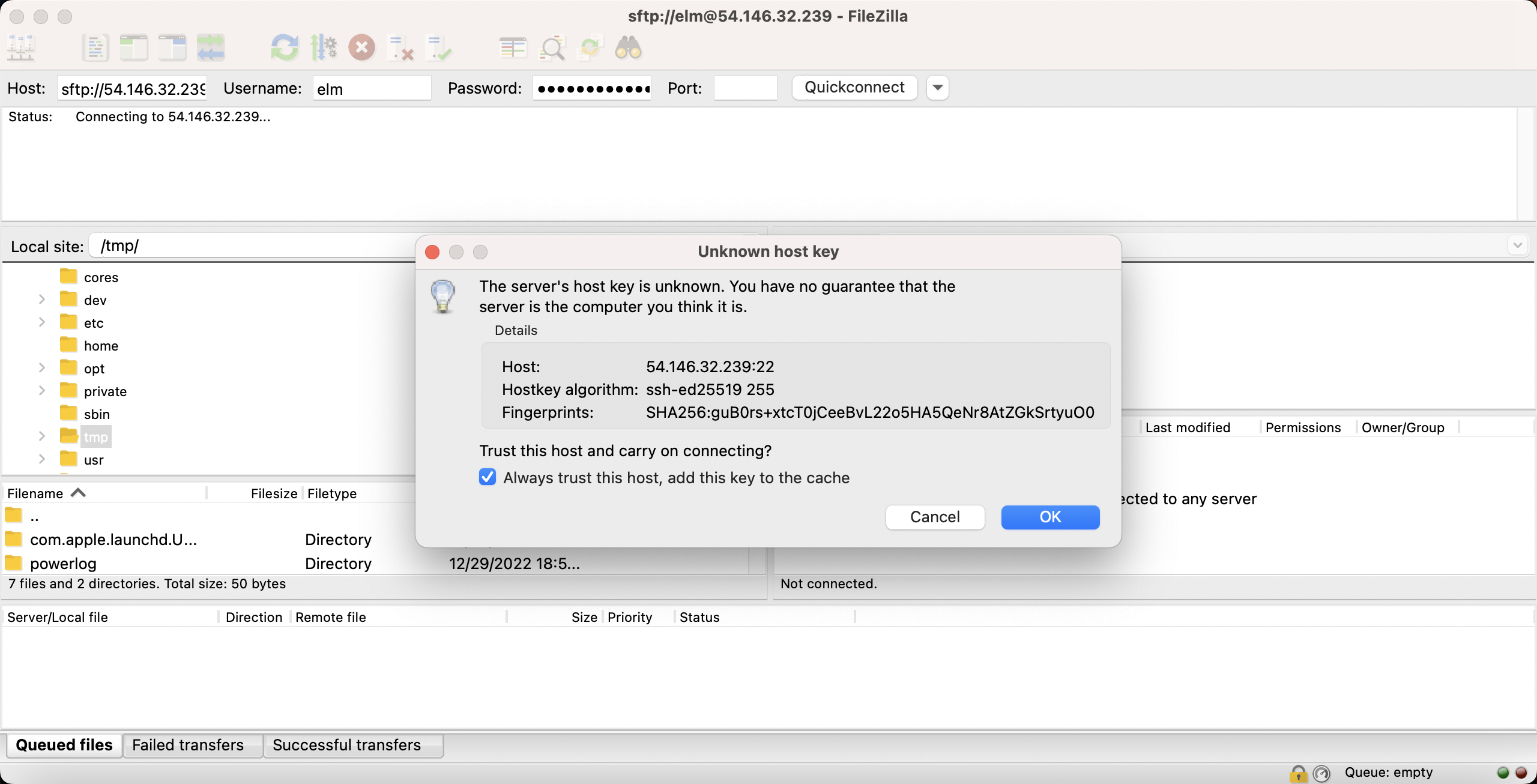
Selecting “Always trust this host, add this key to the cache” will avoid showing this message.
Once the server is connected, the directory share is used to exchange files.
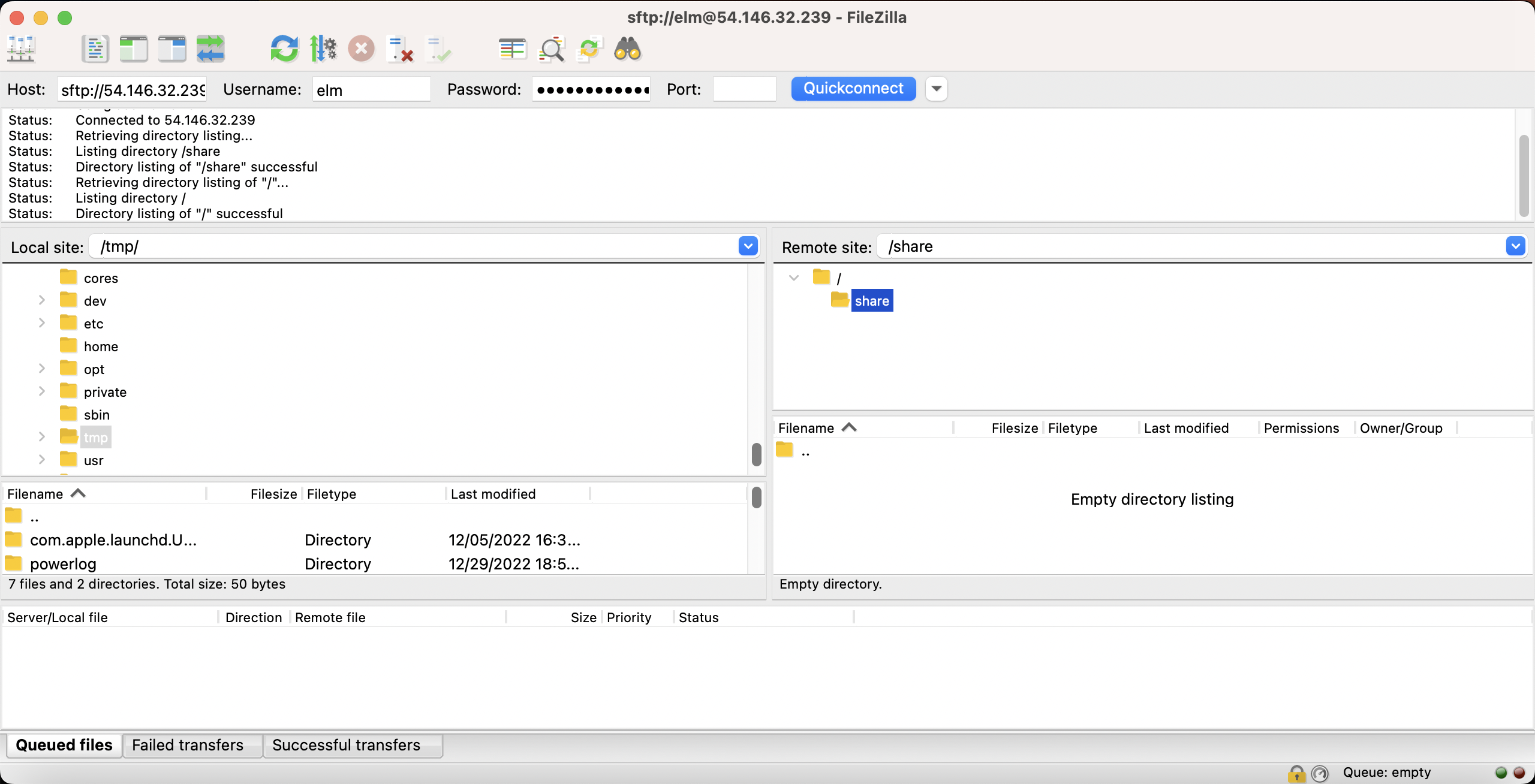
Location of shared folder
Section titled “Location of shared folder”On the server, the shared folder is /data/elm/share.