Linux GUI Desktop on Google Cloud
Linux GUI Desktop on Google Cloud is a pre-configured Google Cloud image that gives you a full XFCE graphical desktop on Ubuntu Linux in the cloud, accessed remotely over RDP. Launch it, connect with a remote desktop client, and you have a ready-to-use Linux desktop — no manual desktop or RDP configuration required.
It is built for users who need a graphical Linux environment in the cloud — for development, testing, or running desktop applications — without managing the underlying setup.
What’s included
Section titled “What’s included”- A full XFCE desktop environment on Ubuntu Linux
- Remote access over RDP using the Microsoft Windows App (available from the Mac App Store or the Microsoft Store)
- Regular image updates with the latest security patches
Launch on Google Cloud
Section titled “Launch on Google Cloud”- Find and subscribe to the Linux GUI Desktop image on the Google Cloud Marketplace.
- Launch a VM instance from the image in a region close to you, choosing an instance size that fits your workload.
- Make sure the VM instance allows inbound RDP (port 3389) traffic so you can connect with a remote desktop client.
Connect to the desktop
Section titled “Connect to the desktop”Once the VM instance is running, connect to its public IP address using the Microsoft Windows App:
- Username:
elm - Password: your instance ID
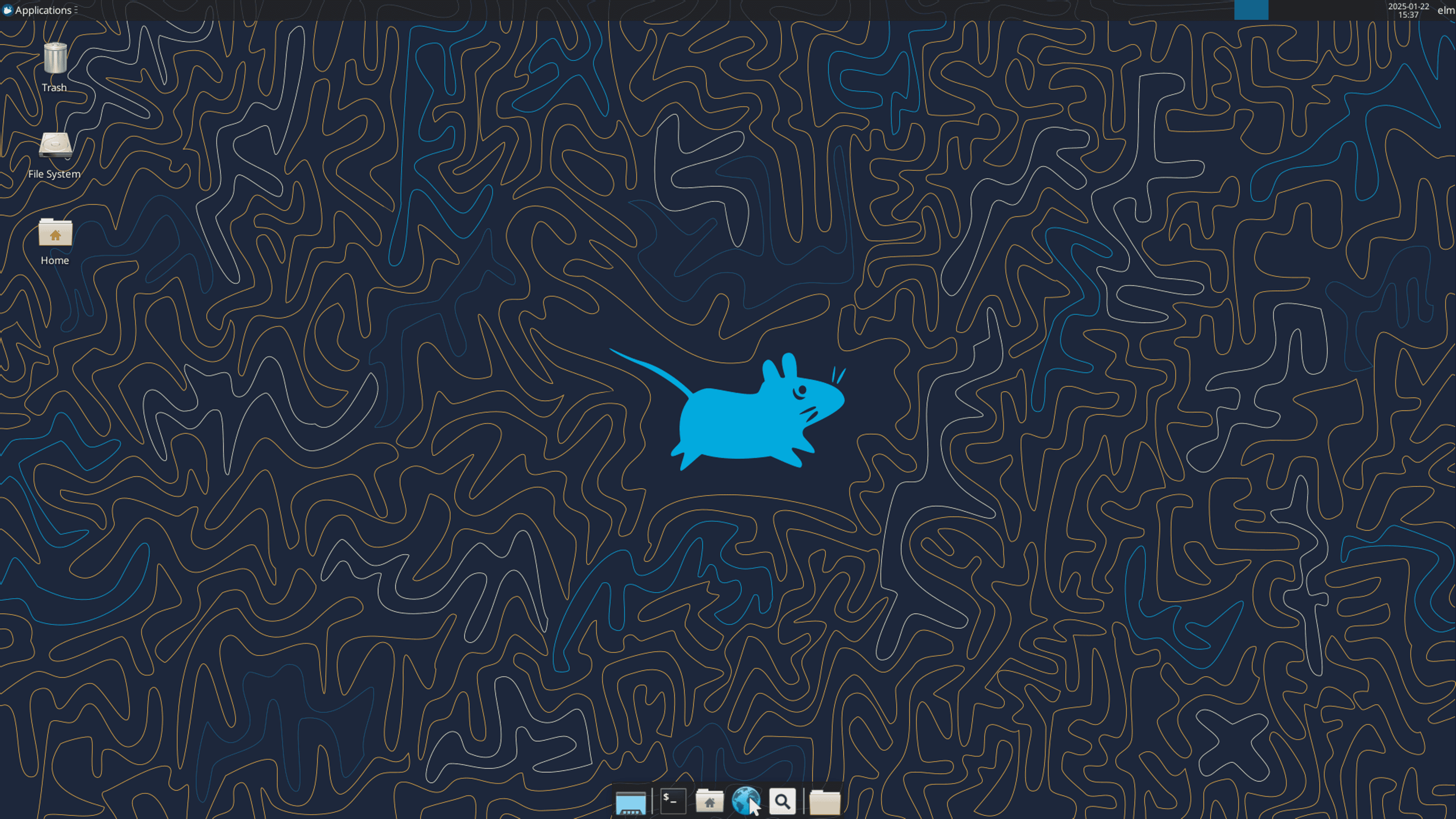
The XFCE desktop environment.
For a step-by-step walkthrough with screenshots, see Connect to Linux GUI Desktop on Google Cloud.
Support
Section titled “Support”Questions or need help getting started? Contact support@elmcomputing.io.