VPN Server on AWS
VPN Server on AWS is a pre-configured Amazon Machine Image (AMI) that runs a secure VPN based on the OpenVPN® platform, with a web administration interface for managing clients. Launch it, sign in to the admin panel, download a client certificate, and you have an encrypted, private connection to your cloud network — no manual VPN configuration required.
It is built for teams that need secure, private access to cloud resources without setting up OpenVPN by hand.
Disclaimer: OpenVPN is a registered trademark of OpenVPN Inc. This product is not affiliated with or endorsed by OpenVPN Inc.
What’s included
Section titled “What’s included”- An OpenVPN®-based VPN server with encrypted client connections
- A web administration interface for creating and revoking client certificates
- A default VPN client (
elm) created automatically on first launch
Launch on AWS
Section titled “Launch on AWS”- Find and subscribe to the VPN Server image on the AWS Marketplace.
- Launch an EC2 instance from the image in a region close to you.
- Once the EC2 instance is running, a default client
elmis created and its certificate can be downloaded from the web admin panel, where you can also create more clients.
Access the web admin
Section titled “Access the web admin”Open the admin panel at the EC2 instance’s public IP address and sign in:
- Username:
elm - Password: your EC2 instance ID (for example,
i-0c7fadc4dc193eca7)
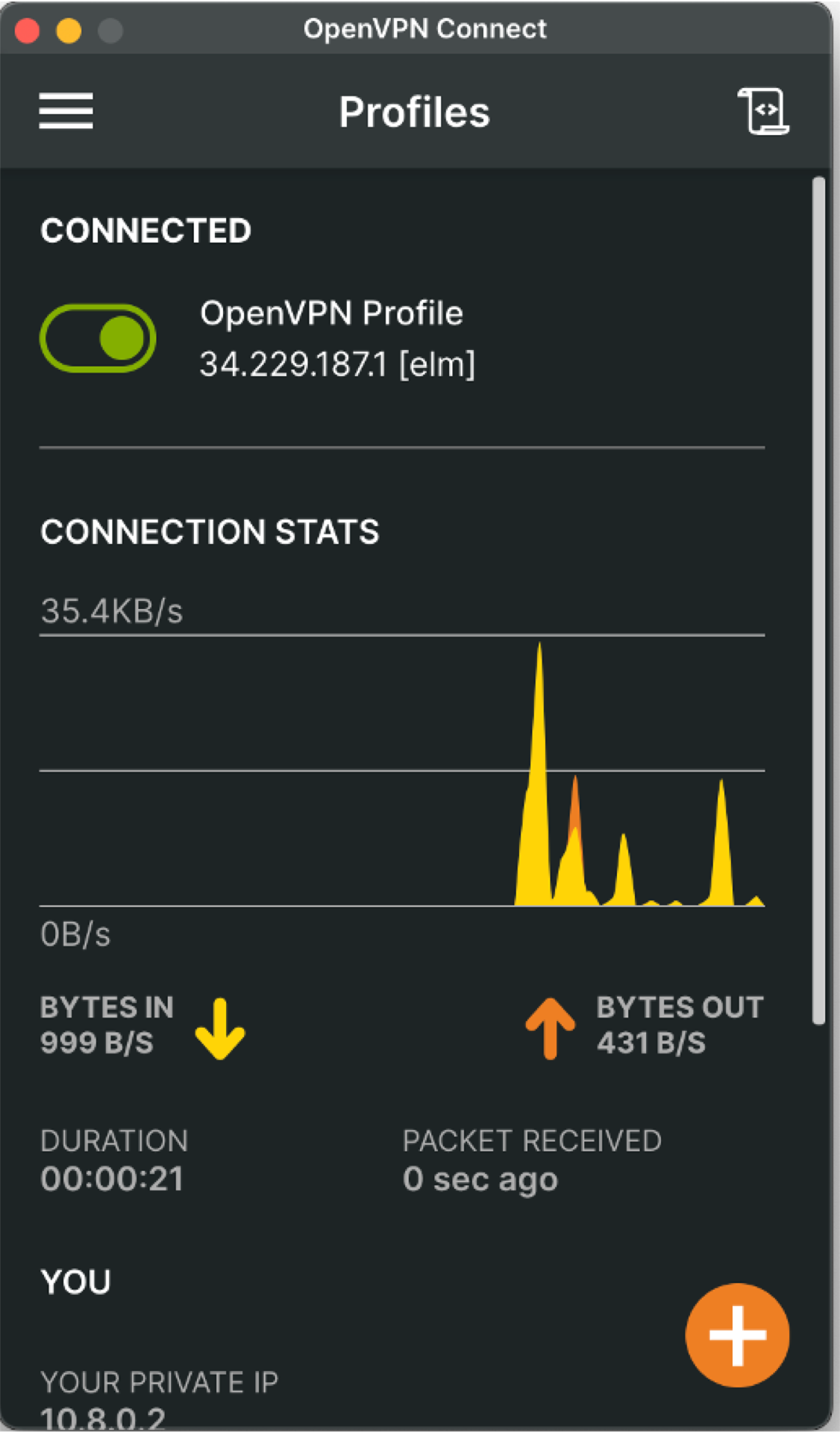
Connect and manage clients
Section titled “Connect and manage clients”Install the OpenVPN Client, import the certificate downloaded from the admin panel, and connect. For step-by-step guides, see:
- Connect to the VPN
- Create a new client
- Revoke a client
- Change the IP address
- Change the instance type
Support
Section titled “Support”Questions or need help getting started? Contact support@elmcomputing.io.