Connect to Linux GUI Desktop on Alibaba Cloud
Steps to connect to the remote Linux GUI desktop
Section titled “Steps to connect to the remote Linux GUI desktop”Install Microsoft Remote Desktop
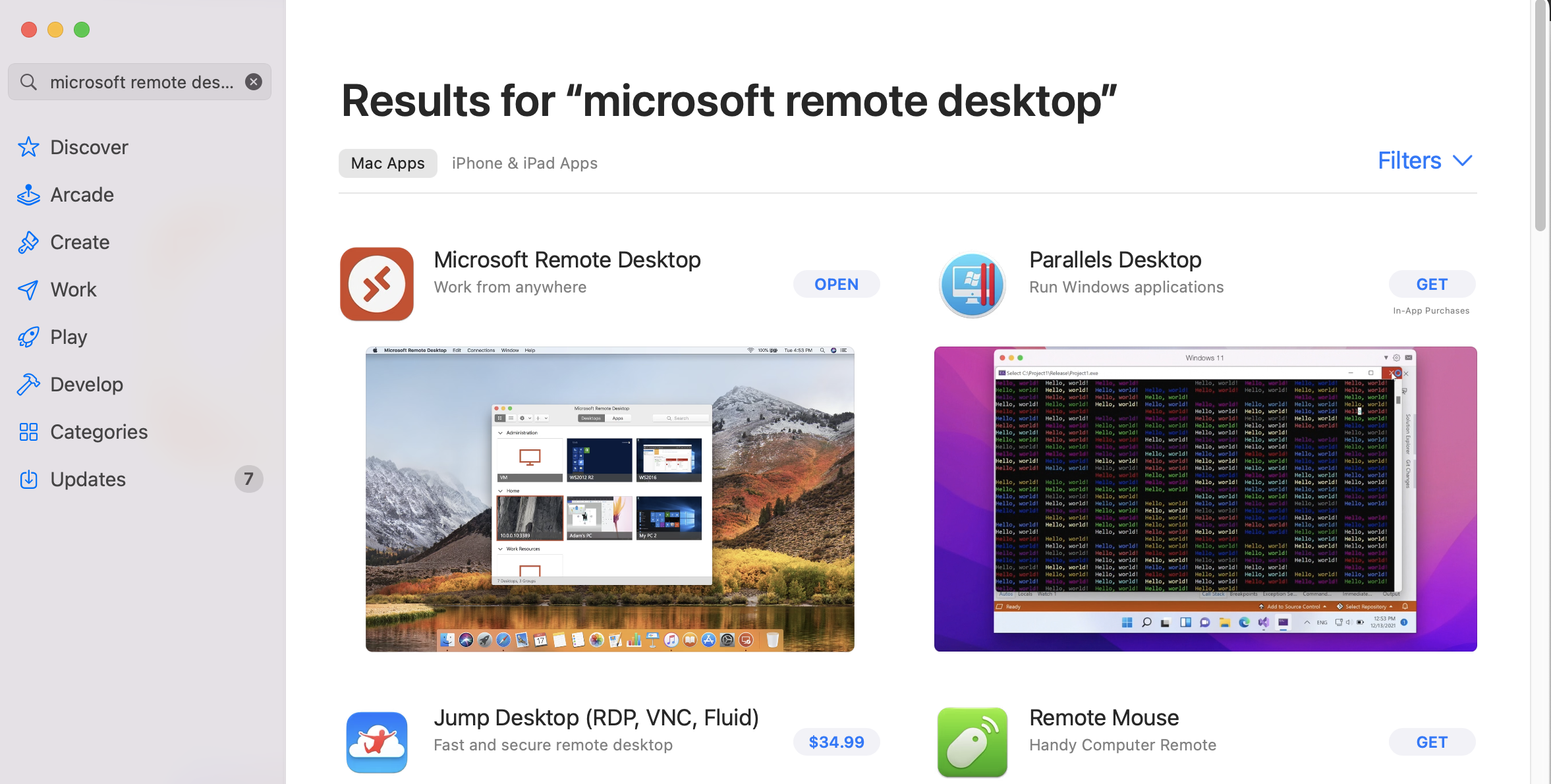
Section titled “Install Microsoft Remote Desktop”The Microsoft Remote Desktop can be found from App Store (for Mac users).
Start Microsoft Remote Desktop
Section titled “Start Microsoft Remote Desktop”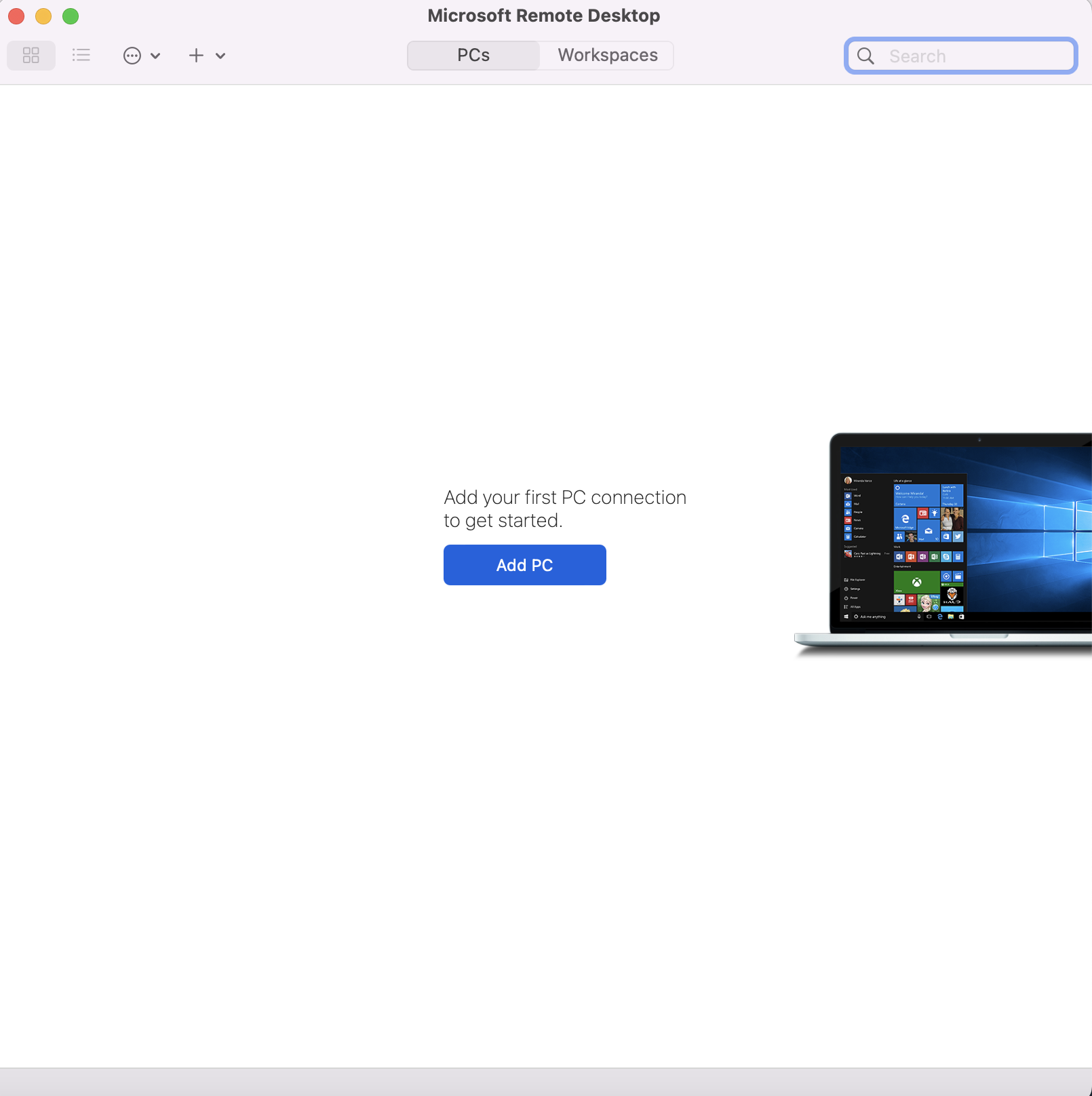
Add PC
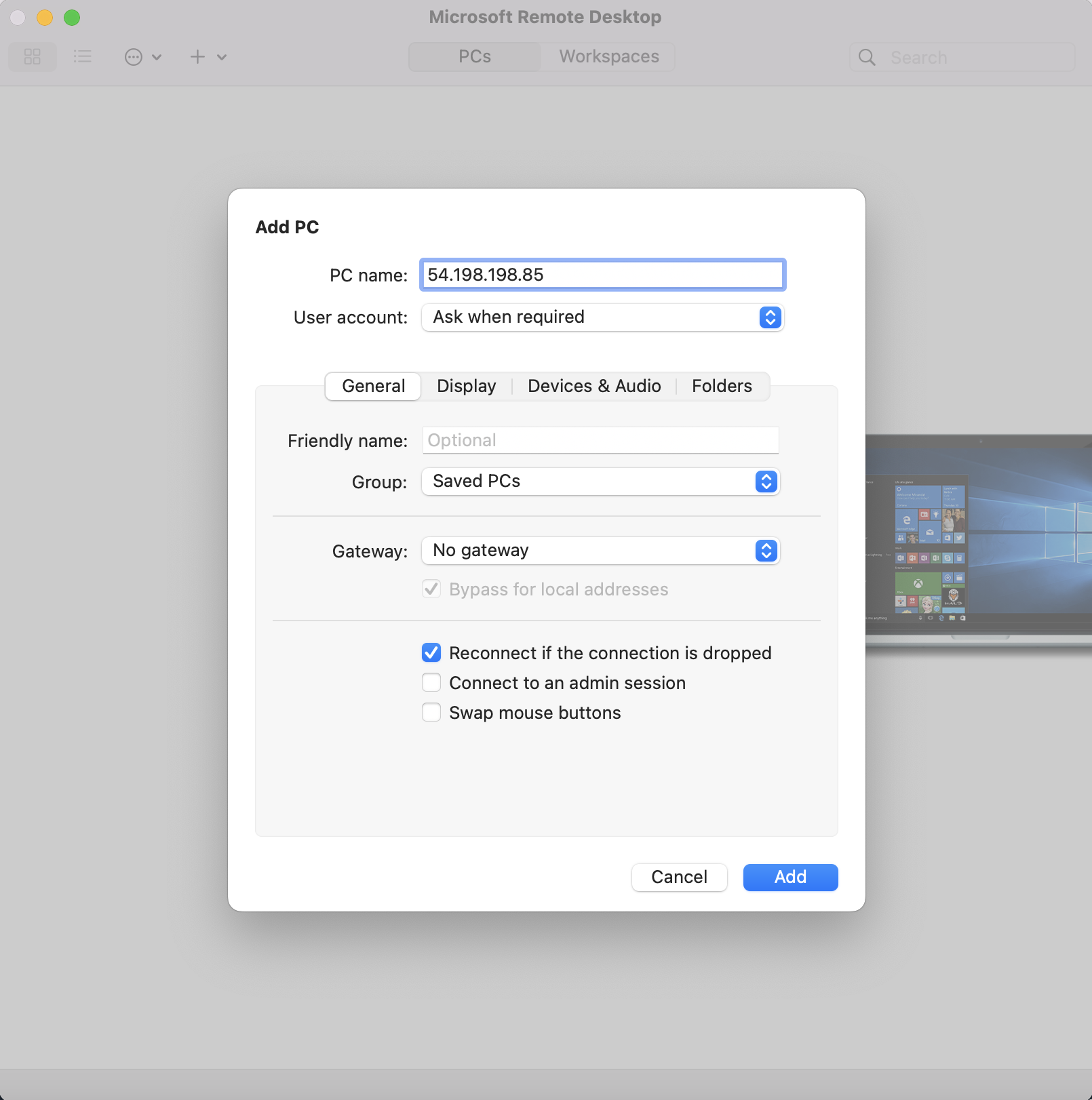
Section titled “Add PC”The public address (like 54.198.198.85) is used for the PC name.
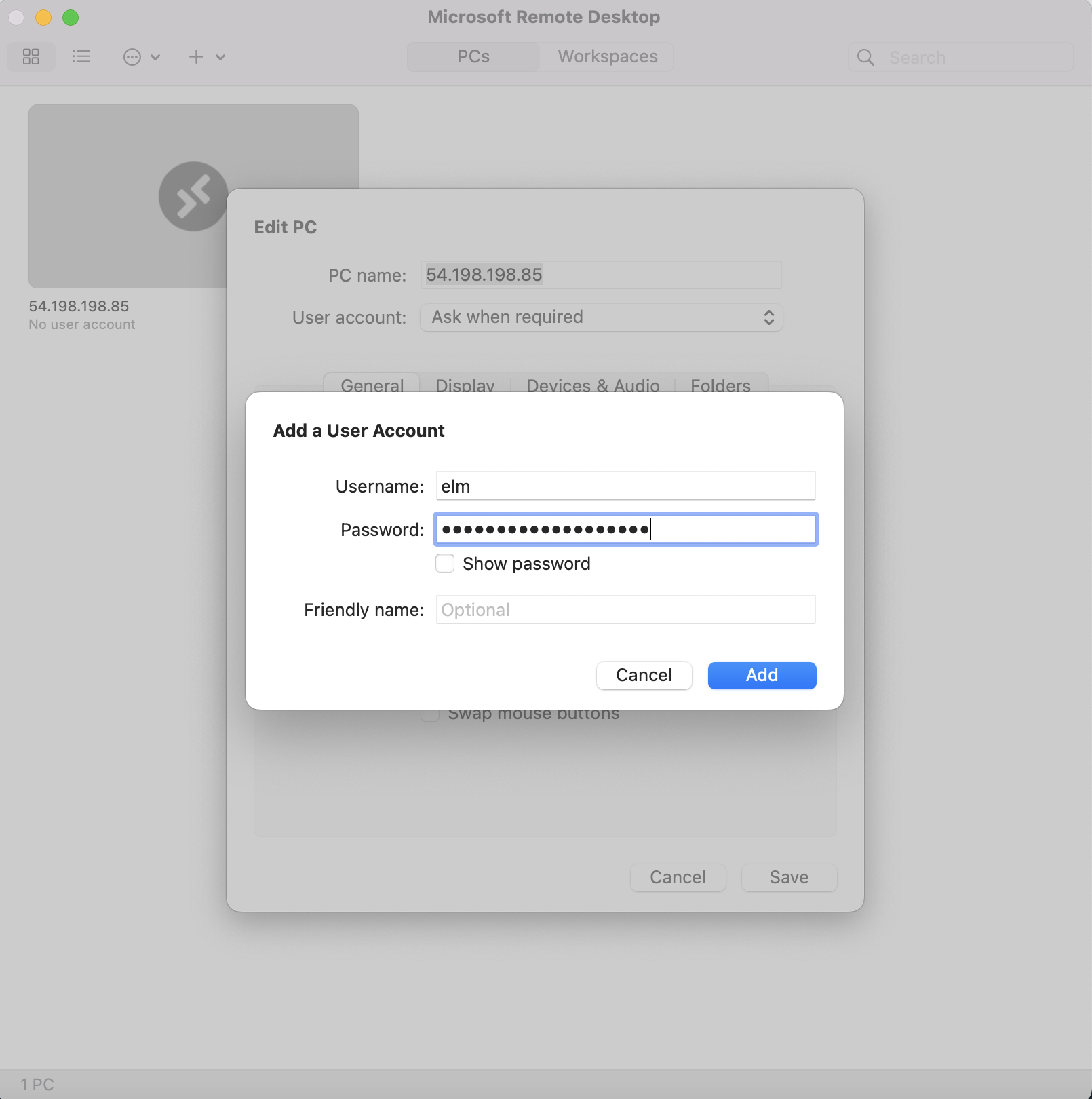
Add a User Account
Section titled “Add a User Account”The default username is elm and the password is the instance ID.
Accept the certificate
Section titled “Accept the certificate”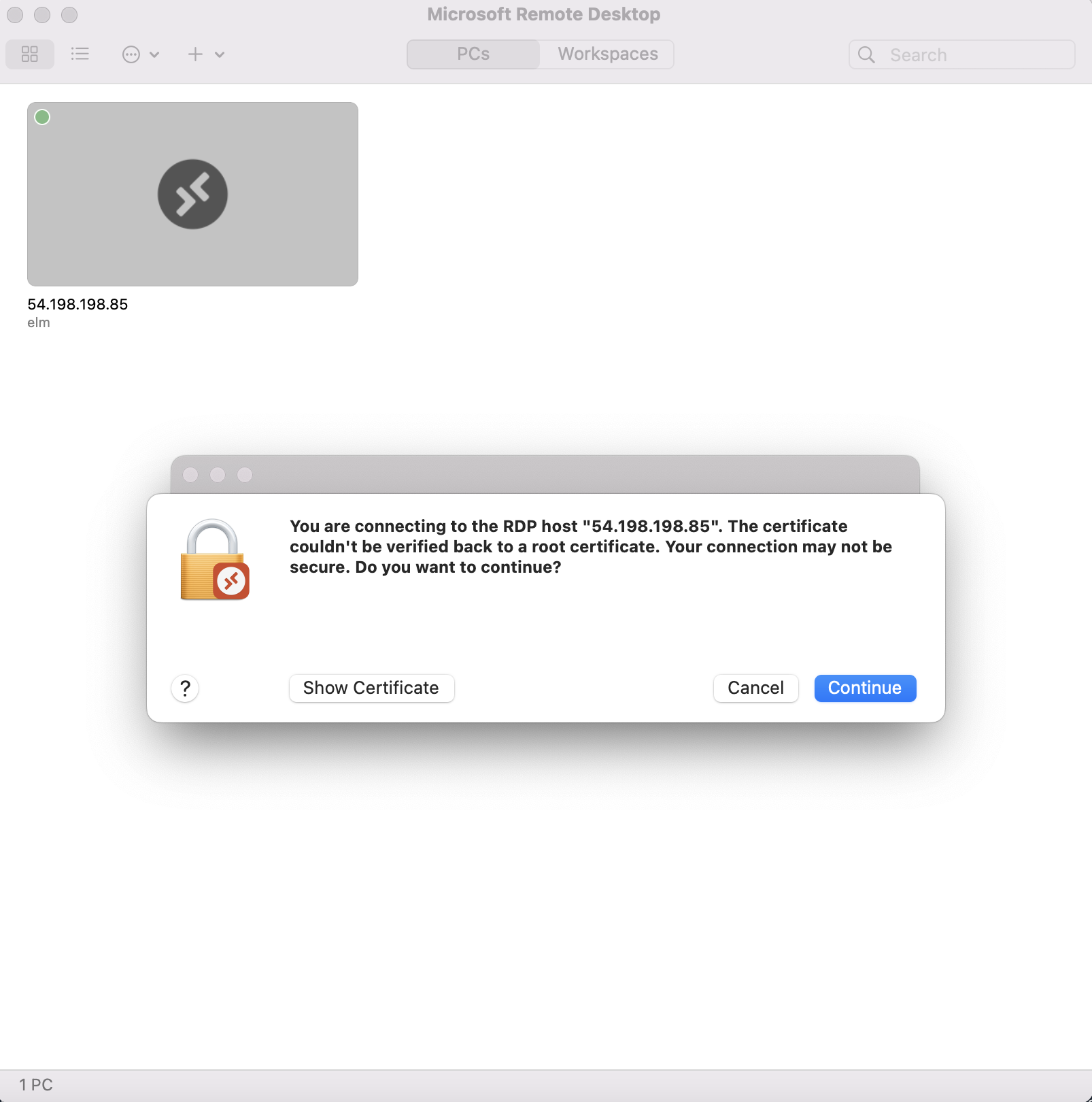
The PC is added
Section titled “The PC is added”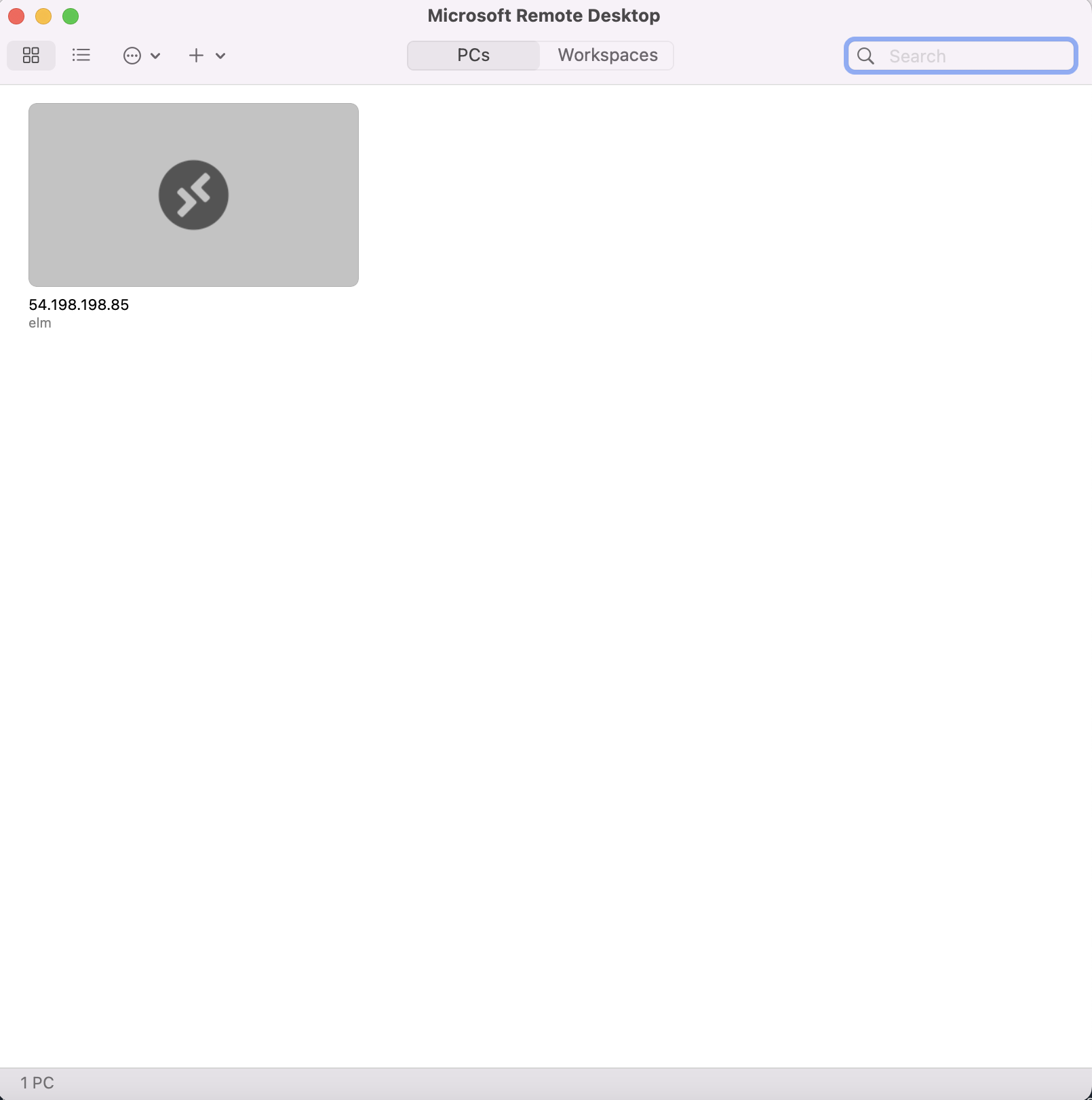
Clicking on the PC will connect to the remote Linux Desktop
Section titled “Clicking on the PC will connect to the remote Linux Desktop”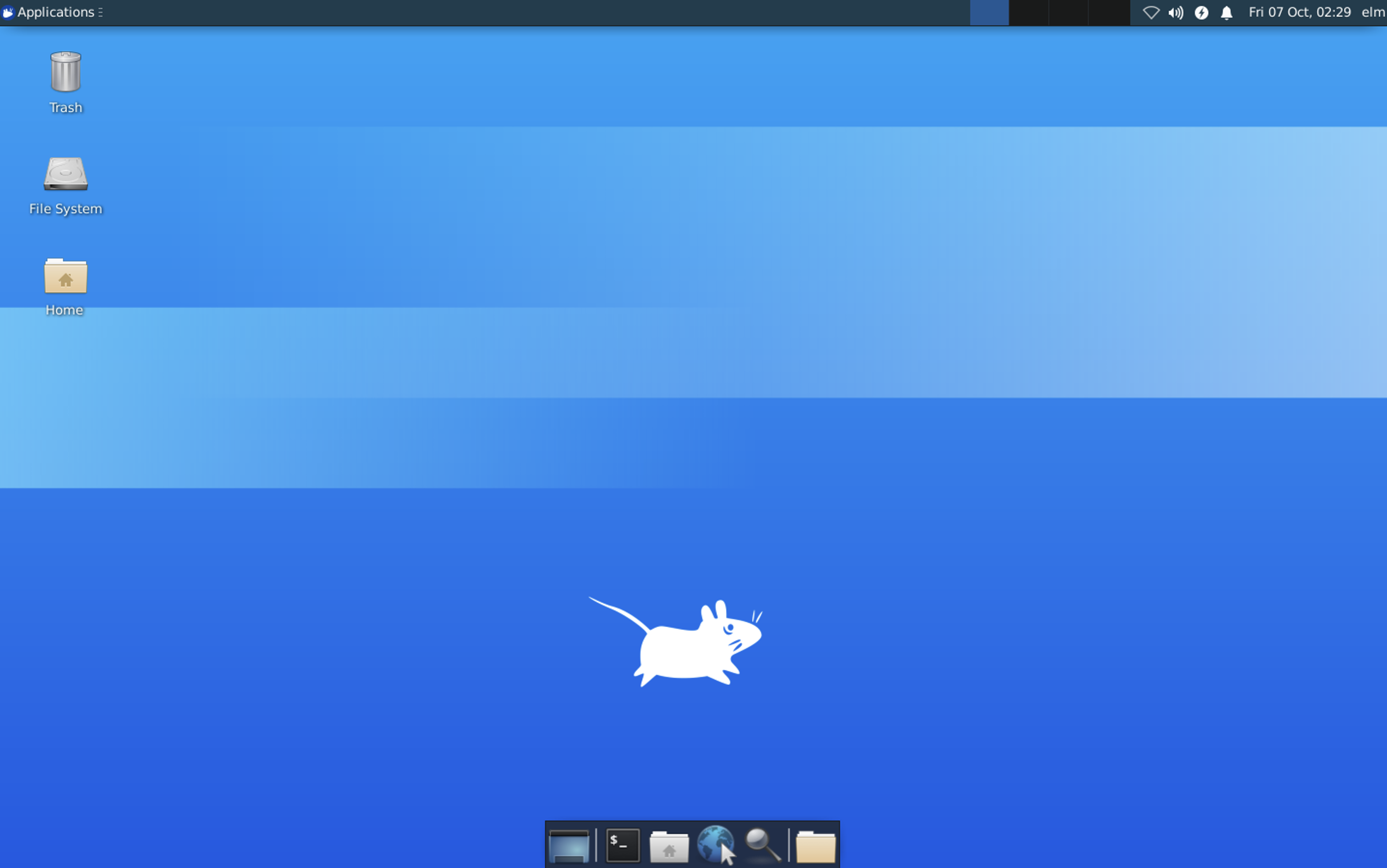
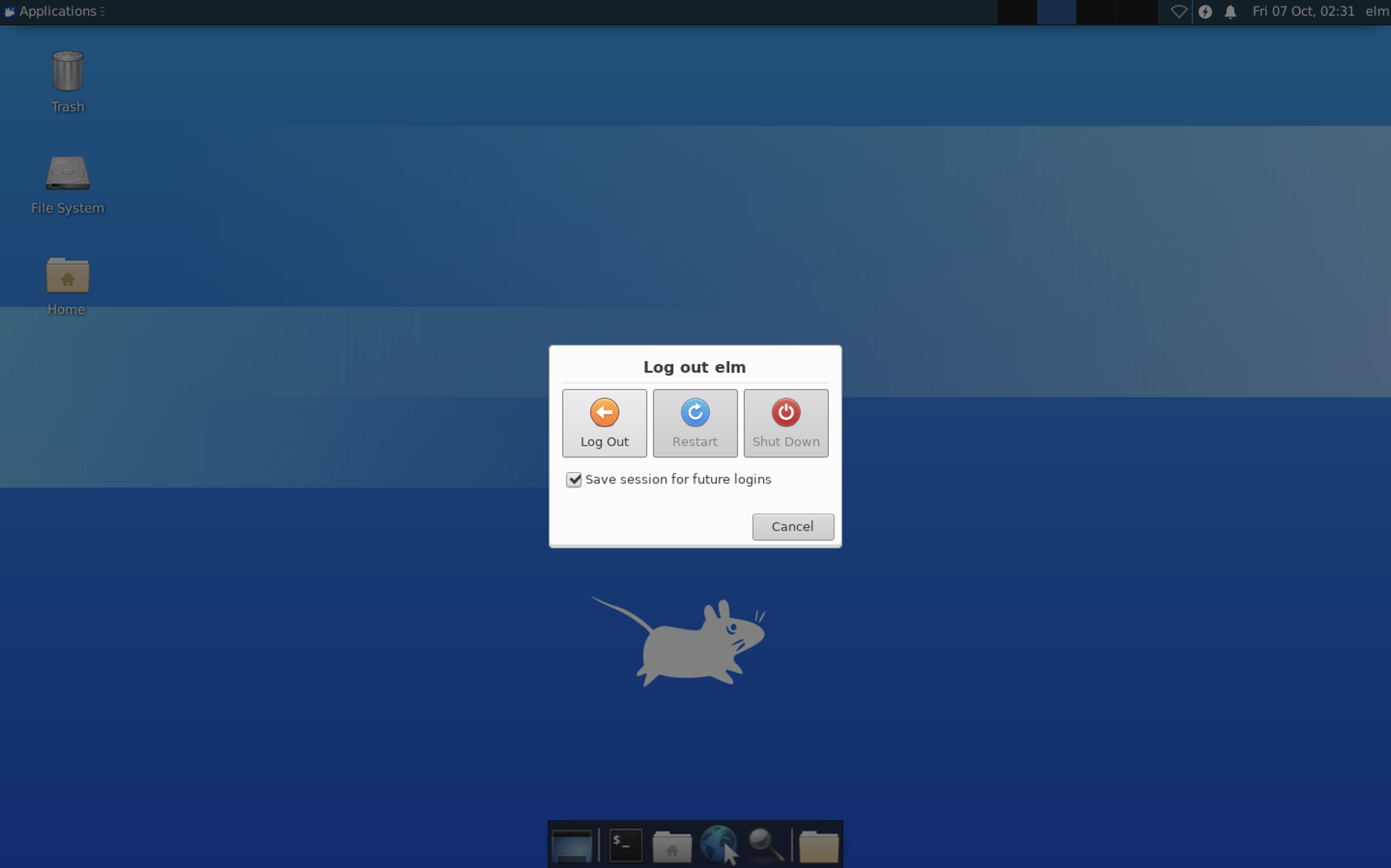
Log out of the Linux GUI Desktop
Section titled “Log out of the Linux GUI Desktop”Select Logout
Section titled “Select Logout”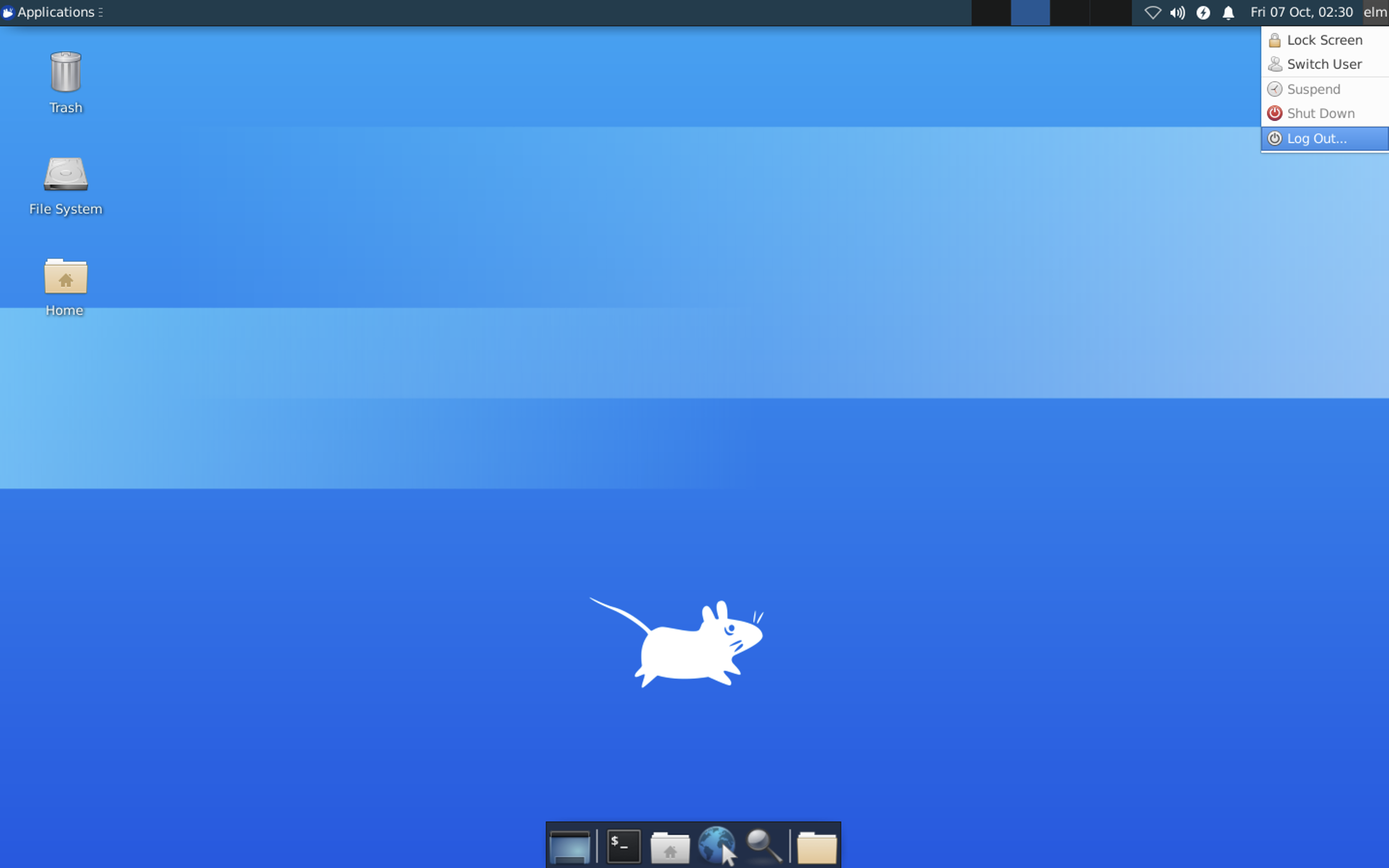
Click Logout
Section titled “Click Logout”