RStudio Server on AWS
RStudio Server on AWS is a pre-configured Amazon Machine Image (AMI) that gives you a ready-to-run RStudio Server environment in the cloud. Launch it from the AWS Marketplace, open it in your browser, and start working in R immediately — no manual installation or configuration required.
It is built for data scientists, statisticians, researchers, and analysts who want a reproducible R workbench on AWS without spending time on setup and package management.
What’s included
Section titled “What’s included”- Thousands of pre-installed R packages spanning data science, machine learning, statistics, bioinformatics, finance, spatial analysis, time series, and more
- Regular image updates with the latest R packages and security patches
See the latest release notes and full package list for the current versions and the complete set of installed R packages.
Launch on AWS
Section titled “Launch on AWS”- Subscribe to the RStudio Server AMI on the AWS Marketplace.
- Launch an EC2 instance from the AMI in a region close to you.
t2.microis a good starting point for testing; switch to an instance with more CPU or memory once you are ready for real workloads. - Create or select an SSH key pair, then launch the instance.
You can change the instance type later from the EC2 console under Actions → Instance settings → Change instance type.
Access RStudio Server
Section titled “Access RStudio Server”Once the EC2 instance is running, open its public IP address in your browser. For example, if the IP address is 10.11.12.13, go to http://10.11.12.13 to reach the sign-in page:
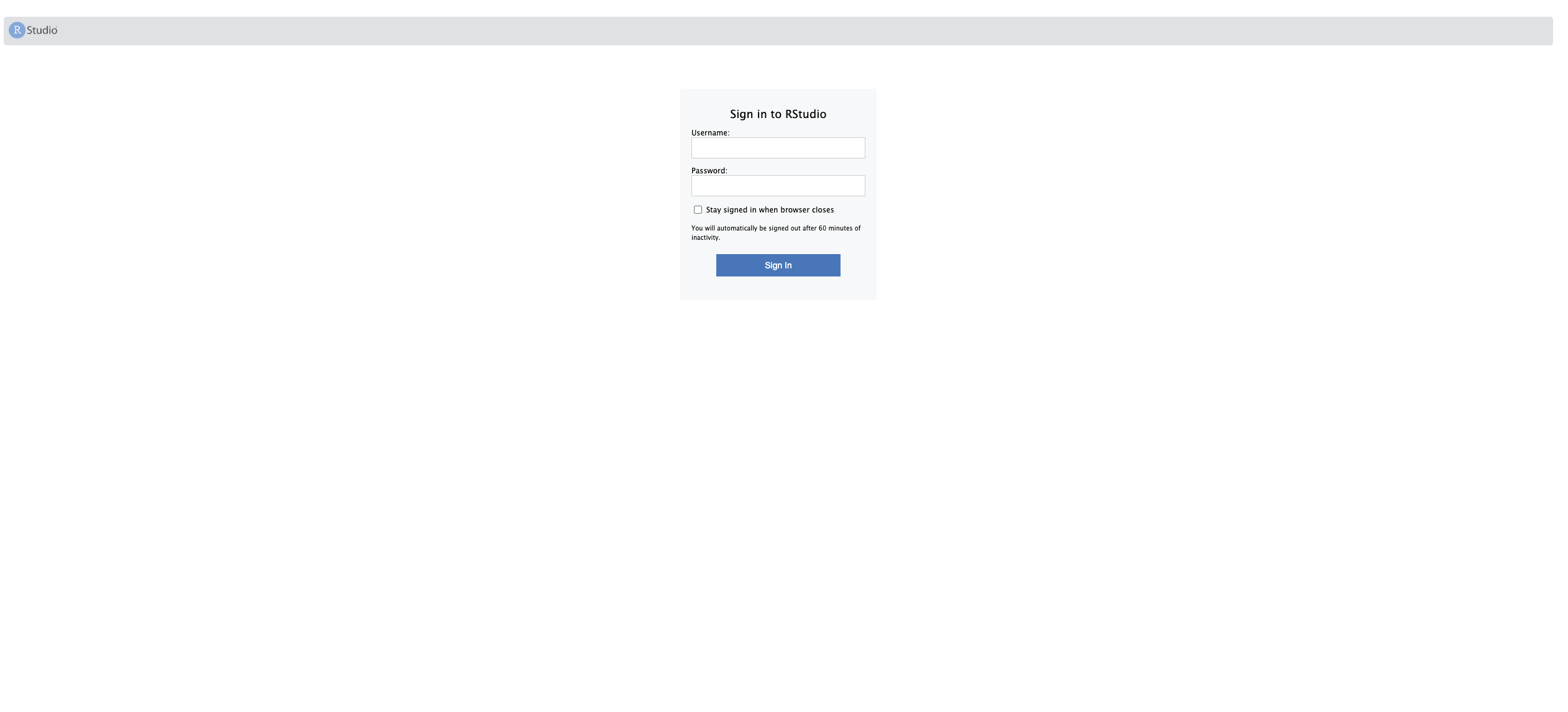
Sign in with the default credentials:
- Username:
ruser - Password: your EC2 instance ID (for example,
i-0c7fadc4dc193eca7)
Support
Section titled “Support”Questions or need help getting started? Contact support@elmcomputing.io.