Deploy PyTorch Workbench on Amazon EC2
Set up JupyterHub Server
Section titled “Set up JupyterHub Server”Default user: jhub-admin
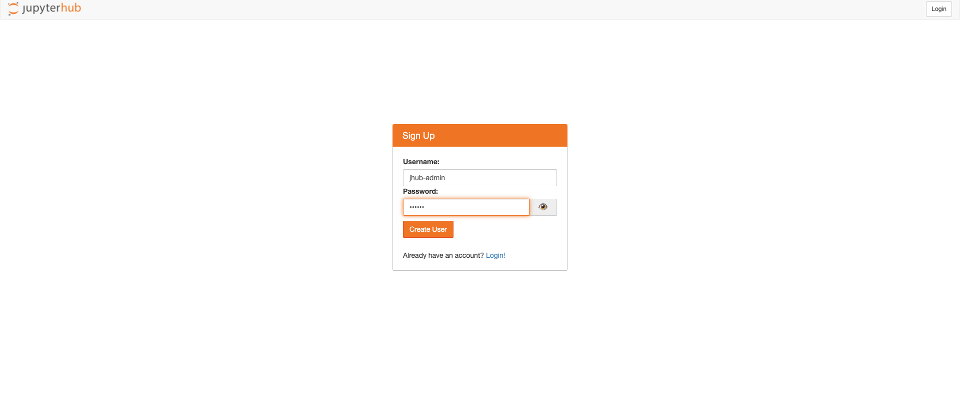
Section titled “Default user: jhub-admin”Please sign up and set your password for jhub-admin when you start the server for the first time. Different from regular users, jhub-admin is automatically authorized to log in after the password is created.
http is supported out of box.
If https is desired, please send your request to support@elmcomputing.io
Startup page
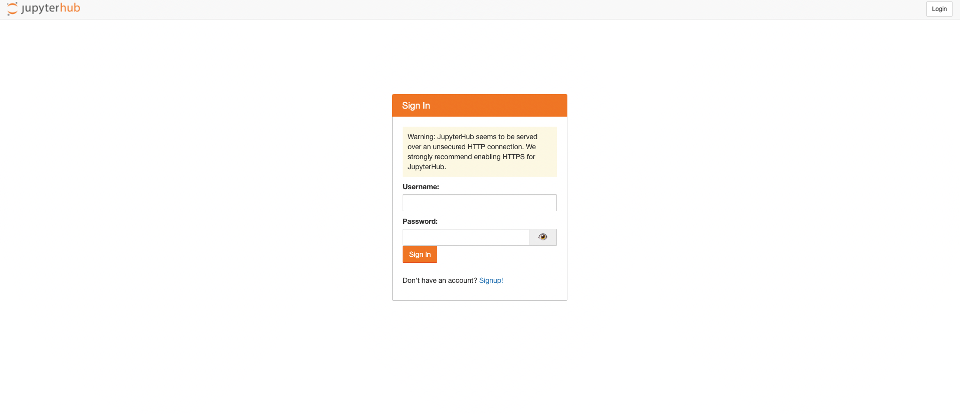
Section titled “Startup page”After the EC2 instance is started, you can access the JupyterHub Server with its public IP address. For example, if the IP address is 10.11.12.13, typing http://10.11.12.13 in the browser will bring you to the following startup page:
Sign-up page
Section titled “Sign-up page”When the JupyterHub Server is activated, a default user “jhub-admin” is created. The first time you access the server, a password need to be set for “jhub-admin”.
jupyterlab
Section titled “jupyterlab”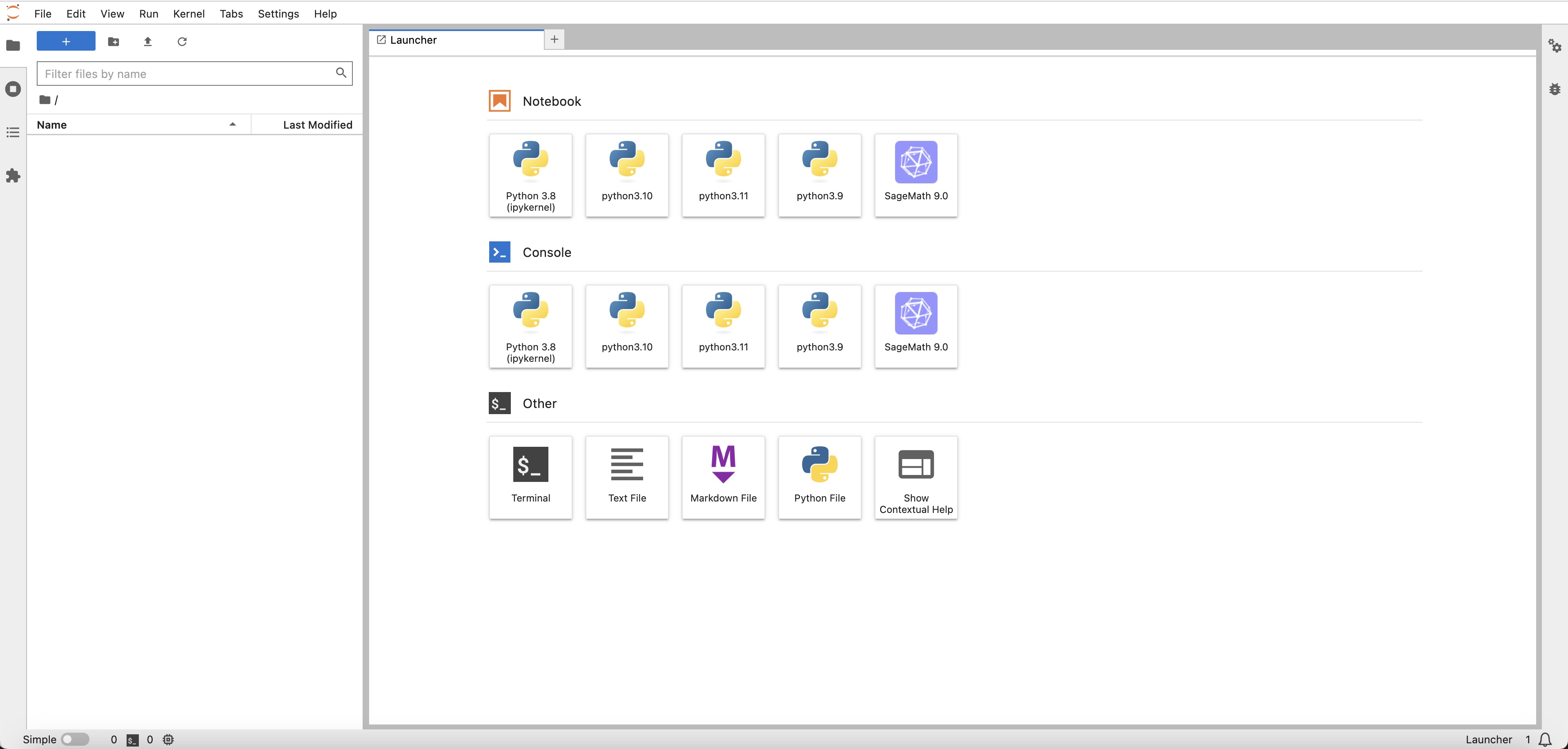
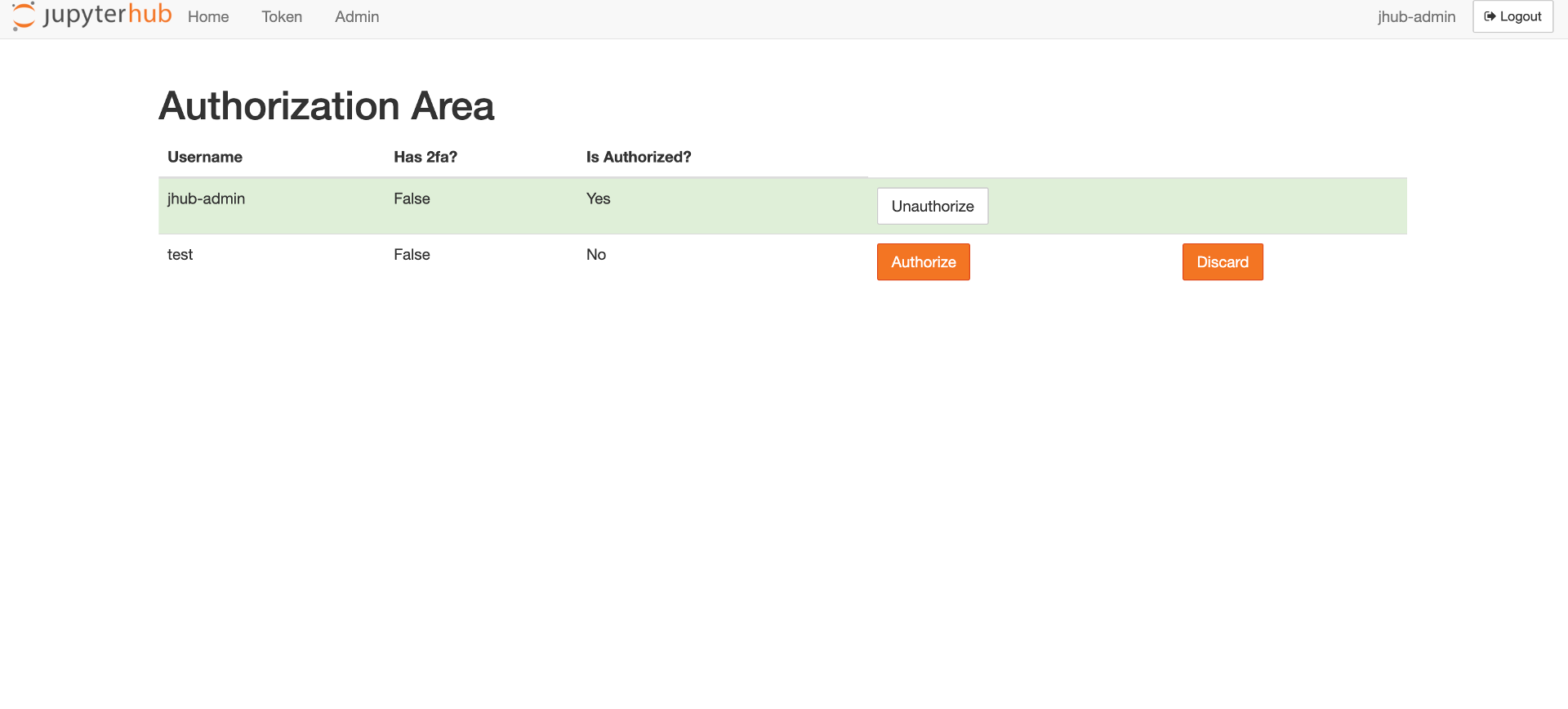
Authorize page
Section titled “Authorize page”When creating new users, an authorization step is needed at “http://10.11.12.13/hub/authorize”
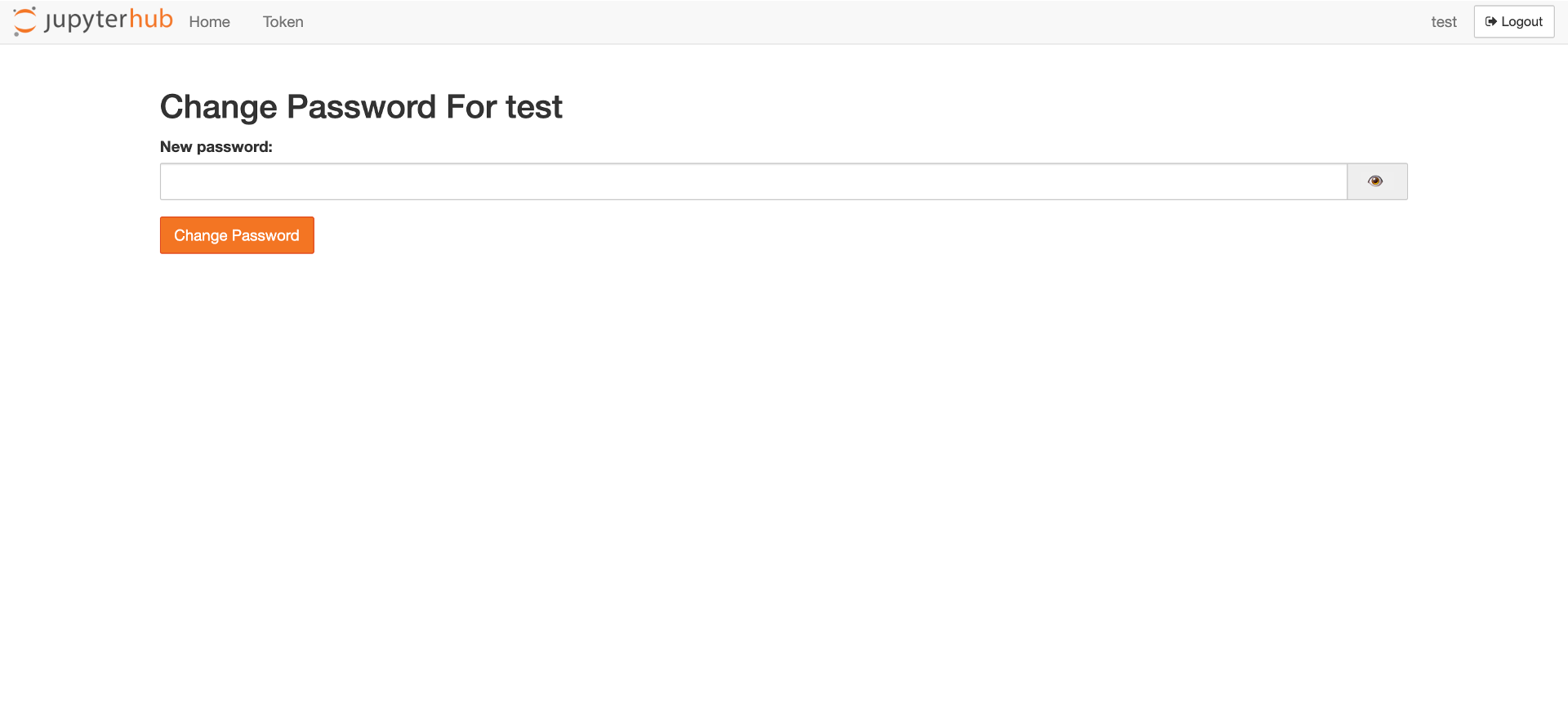
Change password
Section titled “Change password”The password can be changed at “http://10.11.12.13/hub/change-password”