Linux GUI Desktop on AWS (Arm)
Linux GUI Desktop on AWS (Arm) provides pre-configured AWS Graviton (ARM64) Amazon Machine Images (AMIs) with a full XFCE graphical desktop, accessed remotely over RDP. Available distributions include Ubuntu, Debian, AlmaLinux, and CentOS Stream.
Launch an instance, connect with a remote desktop client, and you have a ready-to-use Linux desktop — no manual desktop or RDP configuration required.
What’s included
Section titled “What’s included”- A full XFCE desktop environment built for ARM64 (AWS Graviton) instances
- Remote access over RDP using Microsoft Remote Desktop (or any standard RDP client)
- Regular image updates with the latest security patches
Launch on AWS
Section titled “Launch on AWS”- Find and subscribe to the ARM64 XFCE Desktop image (Ubuntu 26.04, Debian 13, AlmaLinux 9, or CentOS Stream 10) on the AWS Marketplace.
- Launch an ARM64 Graviton EC2 instance (such as
t4g.smallort4g.medium) in a region close to you. - Make sure the EC2 instance security group allows inbound RDP (TCP port
3389) from your IP address.
Connect to the desktop
Section titled “Connect to the desktop”Once the EC2 instance is running, connect to its public IP address using Microsoft Remote Desktop:
- Username:
elm - Password: your EC2 instance ID (for example,
i-0c7fadc4dc193eca7)
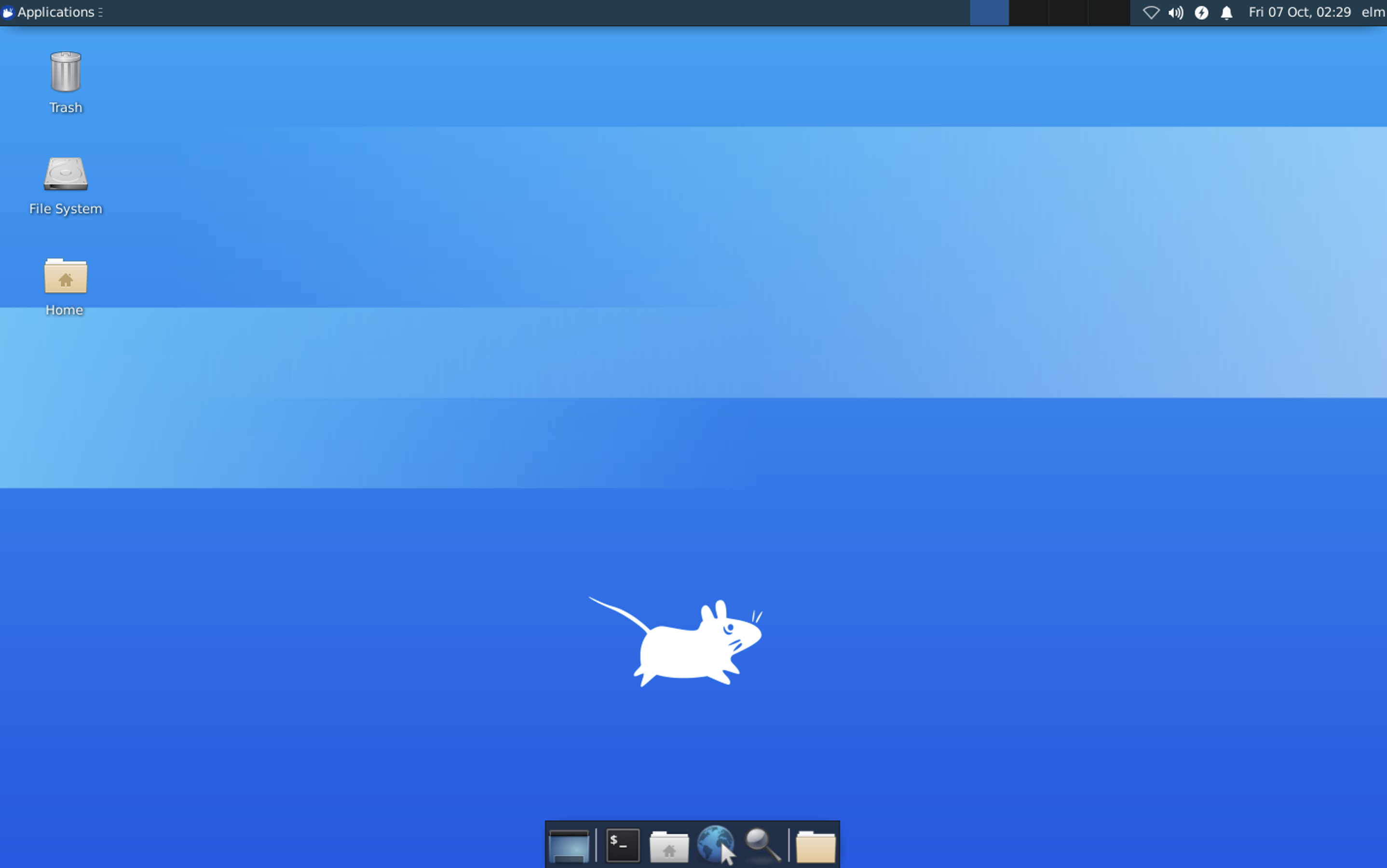
The XFCE desktop environment.
For a step-by-step walkthrough with screenshots, see Connect to Linux GUI Desktop on AWS (Arm).
Support
Section titled “Support”Questions or need help getting started? Contact support@elmcomputing.io.